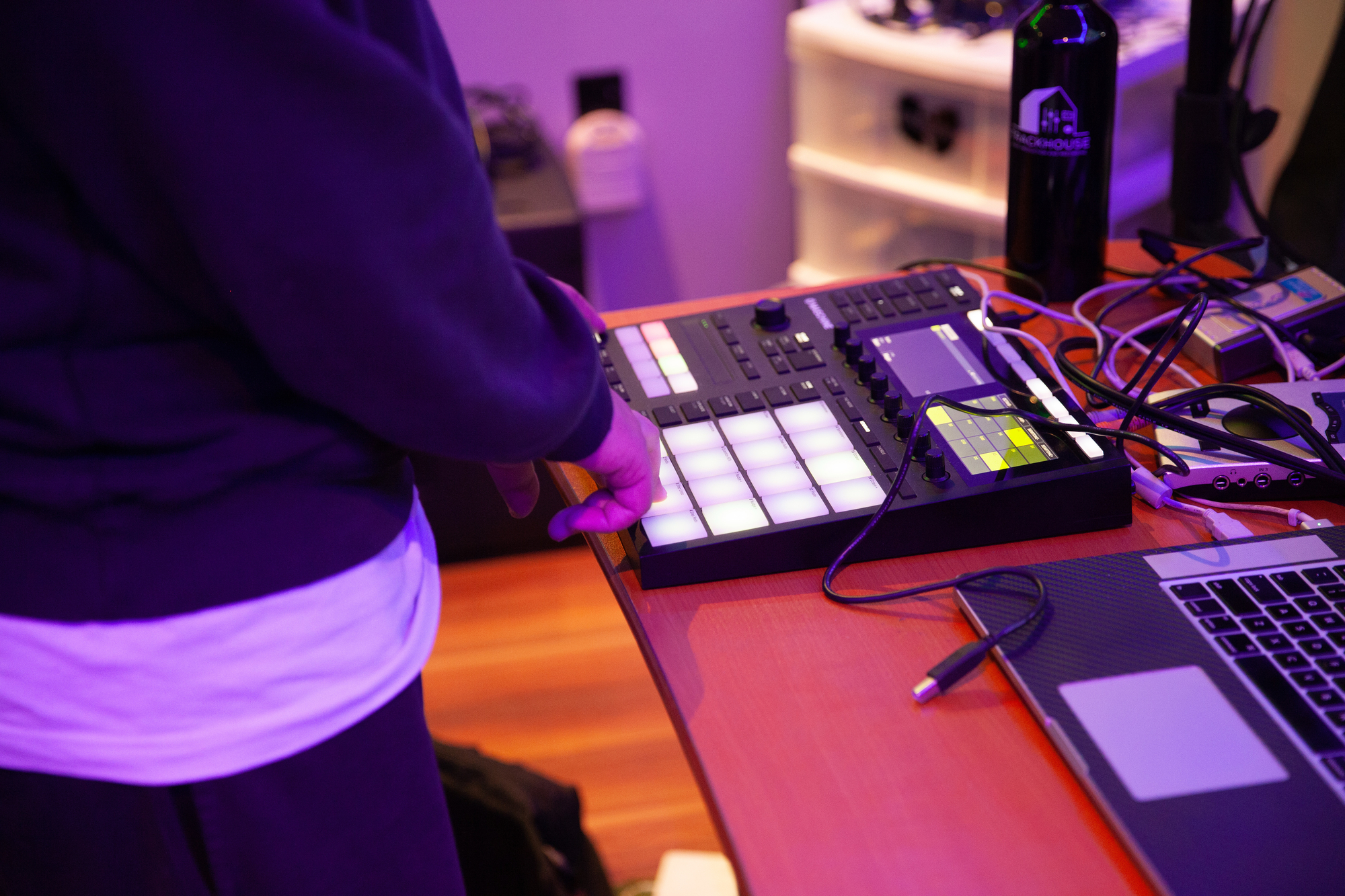
The 4 Best Controllers For Ableton In Your Home Studio
Ableton Live was designed to be played with your hands, not a mouse. A good controller turns Session View into an instrument, gives you tactile mixing, and makes clip launching second nature.
The problem is the market is flooded with options. Some are built specifically for Live, others work with any DAW, and the price range runs from under $100 to nearly $2,000. After testing and comparing what is currently available, these are the four controllers worth your money in 2025.
The 4 Best Controllers for Ableton Live
Ableton Push 3 — Best Overall
Price: $999 (controller) / $1,999 (standalone)
The Ableton Push 3 is the controller that Ableton itself builds and maintains. It is the deepest integration you will find between hardware and Live — zero setup, zero mapping, zero compromises.
Push 3 gives you 64 velocity-sensitive MPE pads with polyphonic aftertouch, 8 touch-sensitive rotary encoders, a high-resolution color display, and a large jog wheel for browsing. Every function in Live — from clip launching to device control to mixing — is accessible directly from the hardware.
The big upgrade over Push 2 is standalone capability. You can transfer Live Sets to the controller’s 250GB internal storage, unplug from your computer, and produce anywhere. It also has a built-in audio interface for recording external instruments and CV/gate outputs for modular gear.
Who it is for: Producers who want the most complete Ableton experience available. If you can justify the price, nothing else comes close.
Who should skip it: Beginners who are still learning Live, or anyone who primarily needs a keyboard-style controller for playing melodies and chords. For keyboard-focused production, a dedicated workstation may be a better investment.
Akai APC64 — Best Clip Launcher and Sequencer
Price: ~$300
The Akai APC64 replaced the aging APC40 mkII as Akai’s flagship Ableton controller. It has an 8x8 velocity-sensitive RGB pad grid for launching clips, 8 touch strips that double as faders or send controls, and a built-in step sequencer.
What makes the APC64 stand out is that it was co-designed with Ableton. The integration is tight — clip colors sync automatically, the pad grid maps directly to Session View, and dedicated buttons handle scene launching, quantize, and transport. You also get 8 assignable knobs and MIDI out for controlling external synths.
The built-in step sequencer is a standout feature. It lets you program beats and melodic patterns directly from the hardware, which is a workflow that feels much closer to a drum machine than a typical clip launcher.
Who it is for: Electronic producers and live performers who center their workflow around Session View and clip launching.
Who should skip it: If you need keys for playing melodies, you will need a second controller alongside this. It is a pad-and-fader device only.
Novation Launchkey Mini Mk4 — Best Budget Controller
Price: ~$130
The Novation Launchkey Mini Mk4 packs a surprising amount into a small, affordable package. You get 25 mini keys, 16 velocity-sensitive RGB pads, 8 rotary knobs, pitch and modulation touch strips, and a built-in arpeggiator — all for around $130.
Novation has deep Ableton integration across their product line. The Launchkey Mini auto-maps to Live’s mixer, devices, and transport out of the box. The pads work for finger drumming and clip launching, while the keys handle melodies. It is USB-C powered and small enough to toss in a backpack.
The Mk4 update added a fixed chord mode, scale mode, and improved key feel over the Mk3. For a controller this size and price, the feature set is hard to beat.
Who it is for: Beginners, traveling producers, or anyone who wants an affordable all-in-one controller that covers keys, pads, and knobs.
Who should skip it: If you need full-size keys or more than 25 notes. Step up to the Launchkey 37 or 49 if you need a larger keyboard.
Ableton Move — Best for Portable Production
Price: $499
Ableton Move is Ableton’s newest hardware — a compact, standalone instrument designed for sketching ideas away from your computer. It has 32 velocity-sensitive pads, a built-in speaker and microphone, and comes loaded with Ableton’s Drift and Drum Rack instruments.
Move is not a traditional controller. It is a self-contained production tool that syncs with Live. You build ideas on Move, then transfer them into your Live session to develop further. The note and step sequencer modes are intuitive, and the randomize function is genuinely useful for breaking out of creative ruts.
It connects to Live via USB or Wi-Fi, and all your Move sessions transfer as Live Sets. Battery life is solid enough for a full day of sketching.
Who it is for: Producers who want to capture ideas on the go without opening a laptop. It is also a surprisingly good compositional tool for beat making and sound design.
Who should skip it: If you need a controller for performing live or mixing in the studio, Move is not designed for that. It is a sketchpad, not a performance tool.
How to Choose the Right Controller for Ableton
Match the Controller to Your Workflow
The single most important question is: how do you actually use Ableton Live?
- Session View producers who launch clips and build arrangements on the fly need a pad grid controller like the APC64 or Push 3.
- Arrangement View producers who record linear tracks benefit more from a keyboard controller with transport controls.
- Live performers need reliable clip launching, low latency, and ideally a controller with dedicated scene and stop buttons.
- Beat makers want velocity-sensitive pads with good feel — similar to what you would find on a standalone drum pad controller or MPC.
Do not buy a 61-key keyboard controller if you spend all your time in Session View. And do not buy a pad-only controller if you primarily play chords and melodies.
Ableton Integration Matters
Not all MIDI controllers are equal when it comes to Live. Controllers made by Ableton (Push 3, Move) or officially co-developed with Ableton (Novation Launchkey/Launchpad series, Akai APC series) have deep, automatic integration. They map to Live’s mixer, devices, and clip slots without any manual configuration.
A generic MIDI keyboard will work with Live — Ableton’s MIDI mapping system is flexible — but you will spend time setting it up and lose access to features like auto-color syncing and device navigation.
If Ableton Live is your primary DAW, prioritize controllers with native Live support.
Pads, Keys, or Both
There are three broad categories of Ableton controllers:
Pad controllers (APC64, Launchpad) focus on clip launching, finger drumming, and step sequencing. They are ideal for electronic music and beat-driven production.
Keyboard controllers (Launchkey, Novation SL MkIII, Arturia KeyStep) add piano-style keys for playing melodies, chords, and bass lines. Most also include a few pads and knobs. If you are coming from a piano or keyboard background, or you work with a keyboard workstation alongside your DAW, this style will feel natural.
Hybrid controllers (Push 3, Move) combine pads with deep software integration and on-screen navigation. They aim to replace the mouse entirely.
Size and Portability
A full-size Push 3 is not leaving your studio. A Launchkey Mini fits in a backpack. Think about where you produce and how often you travel.
Weight and footprint also matter for desk space. If your home studio desk is already crowded, a compact controller like the Launchkey Mini or Move makes more practical sense than a full-width 61-key keyboard.
Budget Expectations
Here is roughly what each price tier gets you:
- Under $150: Compact controllers with basic keys, pads, and knobs (Launchkey Mini, APC Mini Mk2)
- $200-$500: Full-featured controllers with larger pad grids, faders, and sequencers (APC64, Ableton Move, Launchkey 49)
- $500+: Premium controllers with deep integration, displays, and standalone capability (Push 3)
You do not need to spend $1,000 to produce great music in Ableton. A $130 Launchkey Mini paired with a solid pair of headphones will get you further than an expensive controller you do not fully learn to use.
Conclusion
The best Ableton controller depends on what you actually do in Live. The Ableton Push 3 is the most complete option if your budget allows it. The Akai APC64 is the best dedicated clip launcher and sequencer for Session View workflows. The Novation Launchkey Mini Mk4 is the best value for producers who need keys, pads, and knobs in one compact package. And Ableton Move is the best option for capturing ideas away from your computer.
Pick the one that matches your workflow, learn it deeply, and it will transform how you interact with Live.