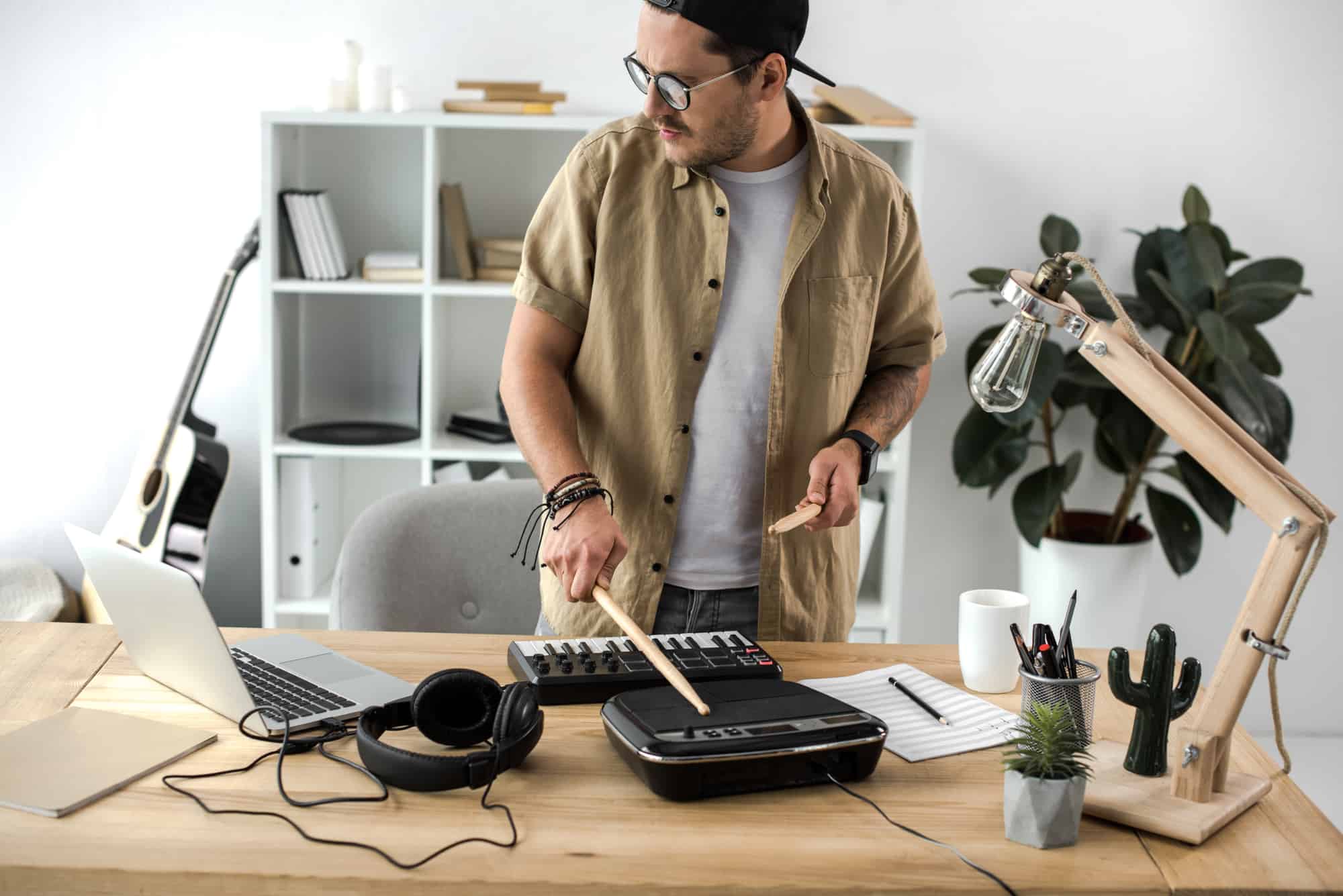
The Best Electronic Drum Pads in 2025
Electronic drum pads have changed drastically since they first appeared. What used to be a novelty add-on is now a core part of most professional drummers’ setups. Whether you need to trigger backing tracks during a live show, layer electronic sounds over your acoustic kit, or practice at home without waking the neighbors, a good electronic drum pad does the job.
This guide covers the best electronic drum pads across every budget and use case. We focus on standalone multi-pad units (also called sampling pads or percussion pads) rather than full electronic drum kits — though there is some overlap.
What to Look for in an Electronic Drum Pad
Before diving into specific models, here is what actually matters when picking a drum pad.
Pad Feel and Responsiveness
The pads themselves need to track your dynamics accurately. Cheap pads miss ghost notes and feel dead under the stick. Good pads have velocity sensitivity across a wide range, so you can go from a quiet tap to a full rimshot and hear the difference. Rubber pads are standard on most units. Some higher-end models use silicone surfaces that feel closer to a mesh head on an electronic drum set.
If you are coming from acoustic drums, the rebound and surface feel matters more than you might expect. Spend time with practice pads to understand what kind of surface you prefer before committing to an expensive sampling pad.
Sound Library and Sampling
There are two approaches to sounds on drum pads. Some units come loaded with a built-in library of drum kits, percussion sounds, and effects. Others let you import your own samples via USB or SD card. The best units do both.
For live performers, the ability to load custom samples is critical. You need your specific backing tracks, click tracks, and sound effects ready to go. For home practice and casual playing, a solid built-in library is usually enough.
Pay attention to internal storage capacity — units with 32GB of onboard storage can hold hours of audio, while budget options may only offer a handful of preset kits.
Connectivity and I/O
A drum pad that cannot connect to your existing setup is useless. Here is what to look for:
- Trigger inputs — External trigger inputs let you connect additional pads, cymbals, or a kick drum pedal to expand your setup
- Audio outputs — Separate outputs for front-of-house and monitor mixes are essential for gigging
- MIDI (USB or 5-pin DIN) — For controlling software instruments in a DAW like Ableton Live or Logic Pro
- USB audio — Some pads double as audio interfaces, letting you record directly into your computer without extra gear
- Headphone output — For silent practice sessions
Build Quality
Drum pads take a beating. The chassis needs to hold up to hard hits night after night. Metal or reinforced plastic housings are standard on professional models. Cheap tabletop pads with thin plastic bodies crack quickly.
Also consider the mounting options. Most pro pads mount on standard snare stands or cymbal arms, making them easy to integrate into any drum kit configuration.
Best Electronic Drum Pads: Our Picks
Roland SPD-SX PRO — Best Overall
The Roland SPD-SX PRO is the current industry standard for professional sampling pads. It builds on the legacy of the original SPD-SX, which dominated stages for years, and improves on it in every meaningful way.
What makes it stand out:
- 32GB of internal storage for custom samples
- Nine velocity-sensitive pads with customizable LED backlighting
- A/B layer functionality lets you assign two sounds per pad
- Eight external trigger inputs for expanding your hybrid setup
- Color LCD display with intuitive menu navigation
- USB audio interface built in
- The SPD-SX PRO editor app lets you load samples in real time via USB — no SD cards or dongles needed
The pad response is excellent. The rubber surfaces handle everything from ghost notes to full-force strikes without cross-triggering. Kit loading is near-instantaneous, which matters when you are switching songs mid-set.
The downsides: At around $1,500, it is a serious investment. The stock acoustic drum sounds are not the best — most pros load their own samples anyway. There is also no digital hi-hat input, which is a strange omission at this price.
Best for: Touring professionals, hybrid setup drummers, and anyone running backing tracks live.
Check the Roland SPD-SX PRO on Sweetwater
Alesis Strike MultiPad — Best Value for Serious Players
The Alesis Strike MultiPad punches well above its weight. At roughly half the price of the Roland SPD-SX PRO, it offers comparable features and, in some areas, actually surpasses it.
Key features:
- Nine pads with customizable RGB LED backlighting
- 32GB internal storage plus over 8,000 built-in sounds
- Built-in looper, sampler, and audio interface
- Ten external trigger inputs (more than the Roland)
- Five onboard effects processors
- Ships with Ableton Live Lite
The built-in sound library is significantly better than what Roland ships stock. The RGB pad lighting is genuinely useful on dark stages — you can color-code pads by function so you never hit the wrong one.
The downsides: Occasional cross-triggering at high velocities. Kit loading is slower than the Roland. The onboard sample editing workflow is clunky compared to using a DAW.
Best for: Gigging drummers who want pro features without the pro price tag. Also great for beginners building their first hybrid setup.
Check the Alesis Strike MultiPad on Sweetwater
Roland OCTAPAD SPD-30 — Best for Percussion and Looping
The OCTAPAD SPD-30 takes a different approach than the sampling pads above. Instead of focusing on custom sample playback, it excels as a standalone percussion instrument and loop station.
Key features:
- Eight large, velocity-sensitive pads arranged for two-handed playing
- Over 670 onboard sounds with 50 preset kits
- Phrase Loop function for building up layers in real time
- Multi-effects processing built in
- Hi-hat and kick drum trigger inputs for building a mini e-kit
The looping capability is what sets the OCTAPAD apart. You can layer percussion patterns on the fly, which is incredibly useful for solo performances and singer-songwriter gigs. The pad layout is designed for playing melodic percussion lines, not just triggering one-shot samples.
The downsides: You cannot import your own samples. You are limited to the onboard sound library, though you can edit those sounds extensively. At around $900, it sits in an awkward price bracket between the budget options and the SPD-SX PRO.
Best for: Percussionists, loop-based performers, and drummers who want a self-contained electronic percussion instrument.
Check the Roland OCTAPAD SPD-30 on Sweetwater
Nord Drum 3P — Best for Sound Design
Nord is known for making premium keyboards, but the Drum 3P proves they know percussion too. This is not a sampling pad — it is a six-channel modeling percussion synthesizer built into a pad controller.
Key features:
- Six velocity-sensitive pads
- Powerful sound engine based on physical modeling (not samples)
- Create entirely original percussion sounds from scratch
- Responsive to stick position, not just velocity
- Compact form factor
The sound quality is in a different league from sample-based pads. Instead of playing back recordings, the Nord synthesizes sounds in real time using physical modeling. This means you can create drum and percussion tones that do not exist anywhere else. Everything from realistic acoustic emulations to bizarre electronic textures is possible.
The downsides: Only six pads, which is fewer than any other option on this list. No sample import capability. The interface has a learning curve — sound design takes time. At around $700, it is not cheap for what appears to be a simple pad.
Best for: Sound designers, electronic music producers, and experimental drummers who want to craft unique sounds.
Check the Nord Drum 3P on Sweetwater
Yamaha DTX-MULTI 12 — Best Pad Count
If you want the most playing surface, the DTX-MULTI 12 delivers. Twelve pads is more than any other unit on this list, and they are arranged in a layout that works for both drumming and melodic percussion.
Key features:
- 12 velocity-sensitive pads
- 1,277 onboard voices covering drums, percussion, and world instruments
- Five external trigger inputs
- Sample import via USB
- Built-in effects and EQ
- Finger drumming-friendly layout
The sheer number of pads makes this a strong choice for percussionists who need to cover many sounds in a single song without switching kits. The world instrument library (tablas, djembes, cajons, and more) is deeper than what Roland or Alesis offer.
The downsides: The unit looks dated compared to newer competitors. The menu system is not as intuitive as the Roland or Alesis offerings. Yamaha has not updated this model in years, so it lacks features like LED pad lighting and USB audio.
Best for: Percussionists, pit orchestra drummers, and anyone who needs maximum pad count with a deep sound library.
Check the Yamaha DTX-MULTI 12 on Sweetwater
Alesis SamplePad Pro — Best Mid-Range Option
The SamplePad Pro fills the gap between toy-grade tabletop pads and the professional units above. It is a capable sampling pad at a price that will not break the bank.
Key features:
- Eight velocity-sensitive rubber pads
- 200+ built-in sounds
- SD card slot for loading custom samples (WAV format)
- Two external trigger inputs
- Dual-zone kick pad input
At around $300, the SamplePad Pro gives you real sampling capability without the $700+ price tag of the Strike MultiPad or SPD-SX. The pads are responsive enough for serious practice and smaller gigs. Loading samples via SD card is straightforward.
The downsides: Limited internal storage compared to the more expensive options. Only two trigger inputs restrict expansion. The built-in sounds are decent but not as polished as Roland or Nord.
Best for: Intermediate drummers, home studio players, and anyone who wants sampling capability on a budget.
Check the Alesis SamplePad Pro on Amazon
HXW PD-708 — Best Budget Pick
If you want a functional electronic drum pad without spending more than $150, the HXW PD-708 is the best option in this price range.
Key features:
- Nine velocity-sensitive pads
- Built-in sounds plus SD card sample loading
- MIDI over USB for DAW control
- Headphone output for silent practice
- Runs on USB power
The HXW will not compete with a Roland or Alesis on sound quality or build, but it does the basics well. It triggers reliably, loads custom samples, and works as a MIDI controller. For beginners or drummers who want to experiment with electronics before investing in a pro unit, it is hard to beat at this price.
The downsides: Build quality is noticeably cheaper. The pads lack the dynamic range of more expensive units. Limited trigger inputs for expansion.
Best for: Beginners, budget-conscious players, and anyone testing whether electronic drum pads are right for them.
Check the HXW PD-708 on Amazon
Electronic Drum Pad Comparison
| Model | Pads | Storage | Trigger Inputs | Sample Import | Price Range |
|---|---|---|---|---|---|
| Roland SPD-SX PRO | 9 | 32GB | 8 | Yes (USB/App) | ~$1,500 |
| Alesis Strike MultiPad | 9 | 32GB | 10 | Yes (USB) | ~$700 |
| Roland OCTAPAD SPD-30 | 8 | N/A | 2 | No | ~$900 |
| Nord Drum 3P | 6 | N/A | N/A | No (synthesis) | ~$700 |
| Yamaha DTX-MULTI 12 | 12 | N/A | 5 | Yes (USB) | ~$700 |
| Alesis SamplePad Pro | 8 | SD card | 2 | Yes (SD) | ~$300 |
| HXW PD-708 | 9 | SD card | Limited | Yes (SD) | ~$130 |
How to Integrate a Drum Pad Into Your Setup
If you already have an acoustic drum kit, adding an electronic pad is simpler than you might think.
Mounting
Most multi-pads mount on a standard snare stand or a cymbal boom arm using a mounting clamp (usually included or sold separately). Position it where you would place a secondary snare or a cowbell — within easy reach of both hands.
Signal Routing for Live Shows
For live performance, you will typically run one or two audio outputs from the pad to the front-of-house mixer. If your pad has separate outputs (like the SPD-SX PRO or Strike MultiPad), you can send click tracks to your in-ear monitors on a dedicated output while the audience only hears the backing tracks.
Using a Drum Pad as a MIDI Controller
Every pad on this list supports MIDI, either over USB or traditional 5-pin DIN. This means you can use the pad to trigger virtual instruments in your DAW — anything from a drum machine plugin to a full orchestral percussion library. This is particularly useful for producers and recording engineers who prefer the feel of hitting pads over clicking a mouse.
Choosing the Right Sticks
Not all drumsticks work equally well on electronic pads. Heavier sticks can damage rubber pad surfaces over time, while very light sticks may not trigger consistently. Nylon-tipped sticks in the 5A or 5B range tend to work best across most pad surfaces. Some drummers prefer using bundled rods or multi-rods for a softer touch.
Tabletop Pads: Are They Worth It?
You will find many cheap tabletop drum pads in the $30 to $100 range — brands like Pyle, Paxcess, and RockJam sell roll-up and flat tabletop units aimed at beginners. These are fine as toys or gifts for kids, but they are not real instruments.
The pads on these units lack velocity sensitivity, the sounds are low quality, and the build will not survive serious use. If you are even slightly serious about drumming, skip these and start with a proper unit like the Alesis SamplePad Pro or HXW PD-708 at minimum.
The one exception: if you want something purely for silent practice pad work and do not care about sound quality, a cheap tabletop pad can serve as a portable surface to work on rudiments. But a dedicated rubber practice pad does that job better for less money.
Final Verdict
For most drummers, the Alesis Strike MultiPad hits the sweet spot between capability and cost. It has the features that matter — custom sampling, extensive I/O, solid pad feel, and a deep sound library — without the $1,500 price tag of the Roland flagship.
If budget is not a concern and you need the absolute best triggering reliability for touring, go with the Roland SPD-SX PRO. The real-time sample loading app alone justifies the upgrade for working professionals.
For percussionists and loop artists, the Roland OCTAPAD SPD-30 is purpose-built for your workflow. And for sound designers who want to create rather than play back, the Nord Drum 3P is in a class of its own.
Whatever you choose, make sure it integrates with your existing setup and covers the sounds you actually need. The best drum pad is the one that disappears into your workflow and lets you focus on playing.